Introduction
The Controller Map allows you to map actions to icons for specific controllers. You can create a new map by right-clicking in the Project pane and selecting Create > Tools > GDTK > Controller Map.
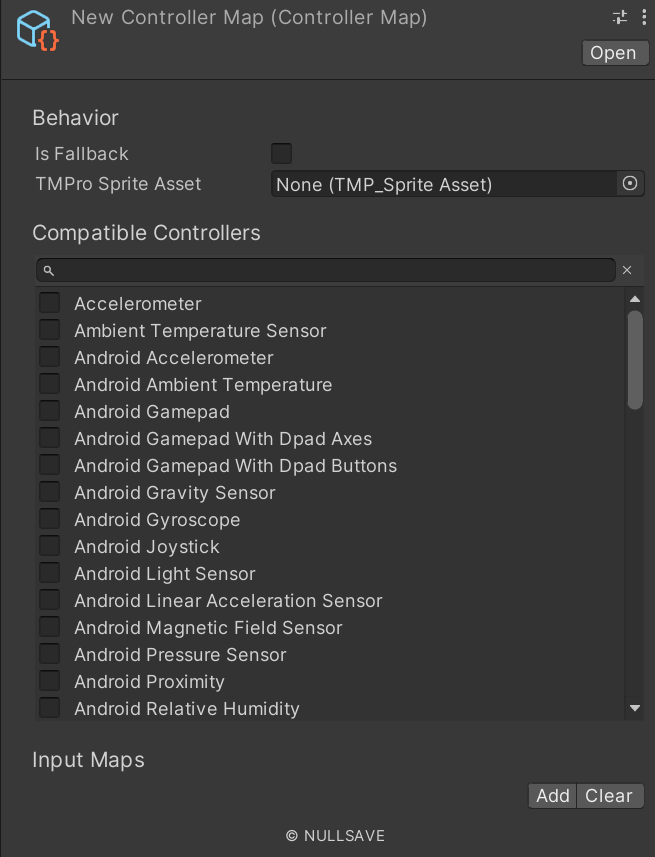
Fields#
| Name | Description |
|---|---|
| Is Fallback | Sets if this controller should be used if no compatible devices are found |
| Tmp Sprite Asset | Text Mesh Pro sprite asset to associate with this controller |
| Compatible Devices | List of compatible devices |
| Input Maps | List of associated inputs |
Methods#
| Name | Description |
|---|---|
| GetAction | Gets an input map associated with an action |
| HasAction | Checks if there is an input map associated with an action name |